


R.K Enterprises
Data Frog Arcade Fighter Stick for Windows IOS Android TV Box Street Fighter Arcade Joystick Support M8 Retro Game Stick
Data Frog Arcade Fighter Stick for Windows IOS Android TV Box Street Fighter Arcade Joystick Support M8 Retro Game Stick
Couldn't load pickup availability
SPECIFICATIONS
Brand Name: DATA FROG
Certification: CE
Choice: yes
Compatible Brand/Model: PC
Feature 1: Arcade Stick
Feature 10: Arcade stick pc
Feature 11: mini arcade
Feature 12: Aetro gaming stick
Feature 13: Arcade control
Feature 14: Arcade stick pro
Feature 15: wireless retro game stick
Feature 16: arcade joystick pc
Feature 17: mini arcade game
Feature 18: arcade box
Feature 19: micro arcade
Feature 2: Fighter Stick
Feature 20: arcade cabinet kit
Feature 21: retro arcade
Feature 22: fighting stick
Feature 23: fighting controller
Feature 24: fightpad
Feature 25: PC Arcade Stick
Feature 3: Arcade Joystick
Feature 36: Android Arcade Stick
Feature 4: Fighting Arcade
Feature 5: Arcade controller
Feature 6: M8 Arcade Joystick
Feature 7: Arcade joystick
Feature 8: PC sticks pads
Feature 9: Arcade game stick
High-concerned chemical: None
Interface Type: USB
Language: English Version
Origin: Mainland China
Package: Yes
Type: Joysticks
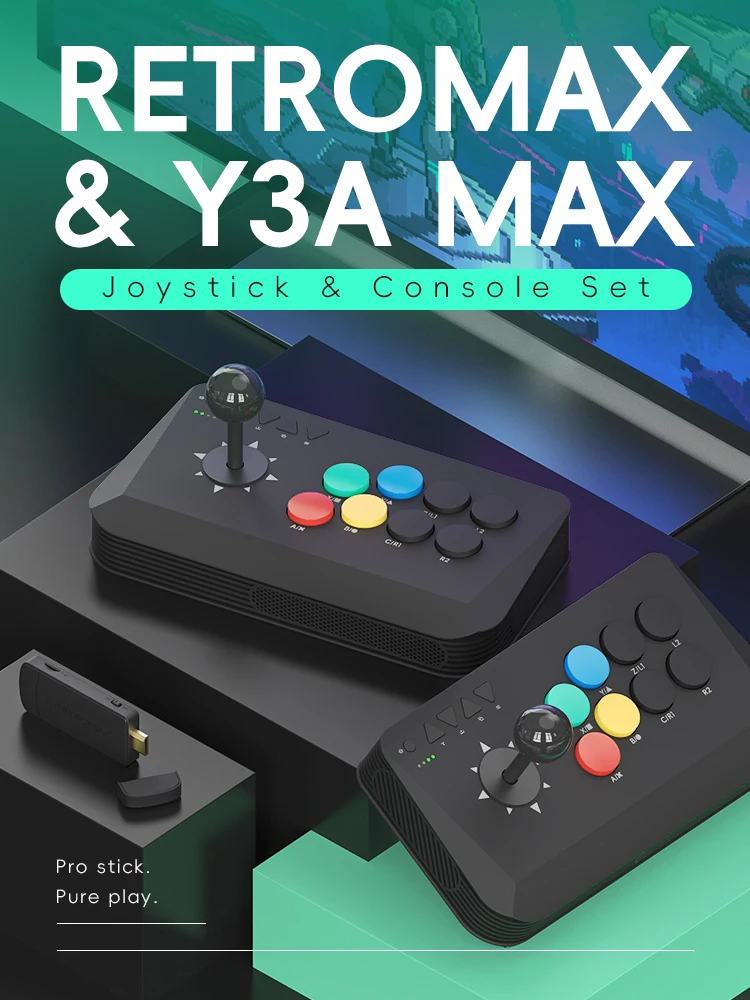
DATA FROG Y3A MAX with Retro Max Console
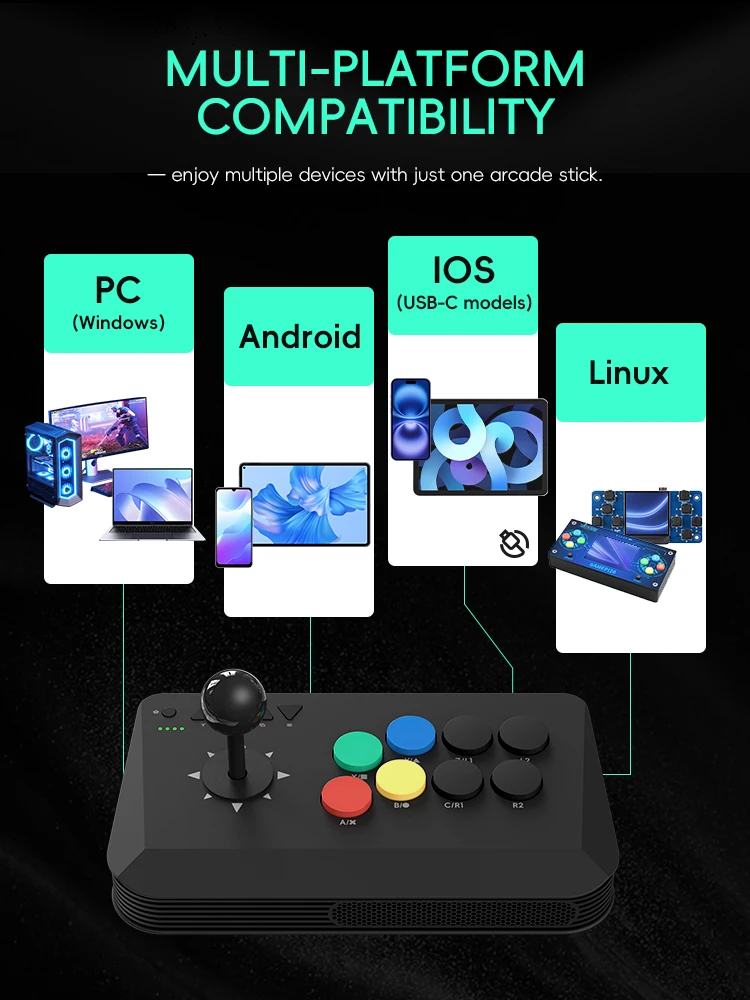
Multi-Platform Compatibility
Compatible with PC (Windows), Android, iOS (USB-C models), and Linux systems — enjoy multiple devices with just one arcade stick.
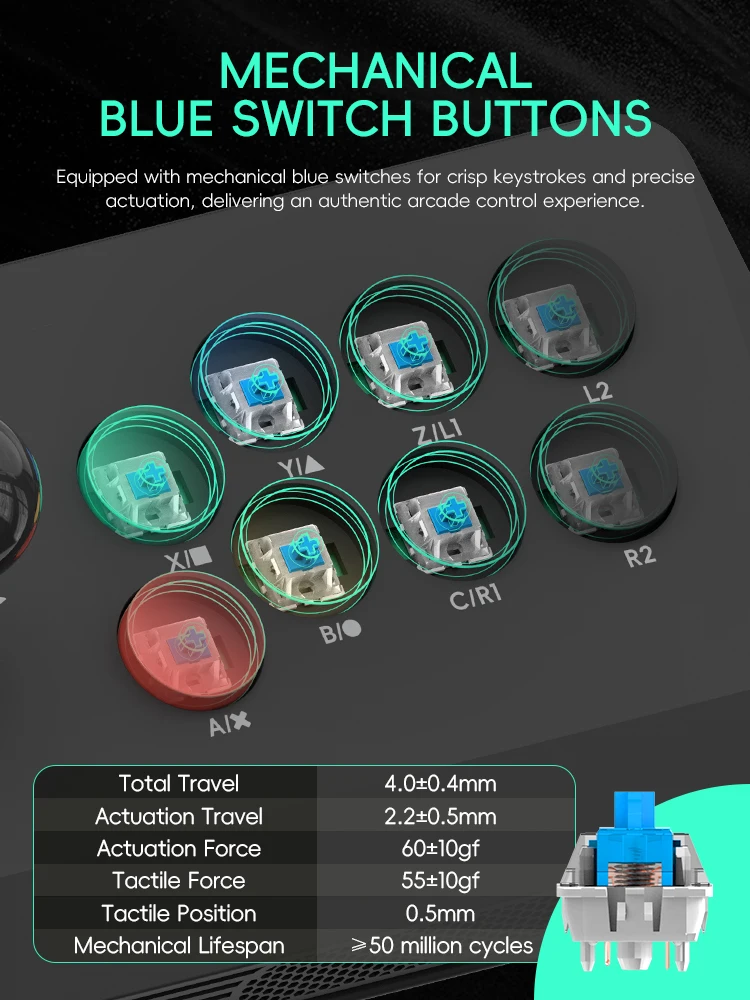
Mechanical Blue Switch Buttons
Equipped with mechanical blue switches for crisp keystrokes and precise actuation, delivering an authentic arcade control experience
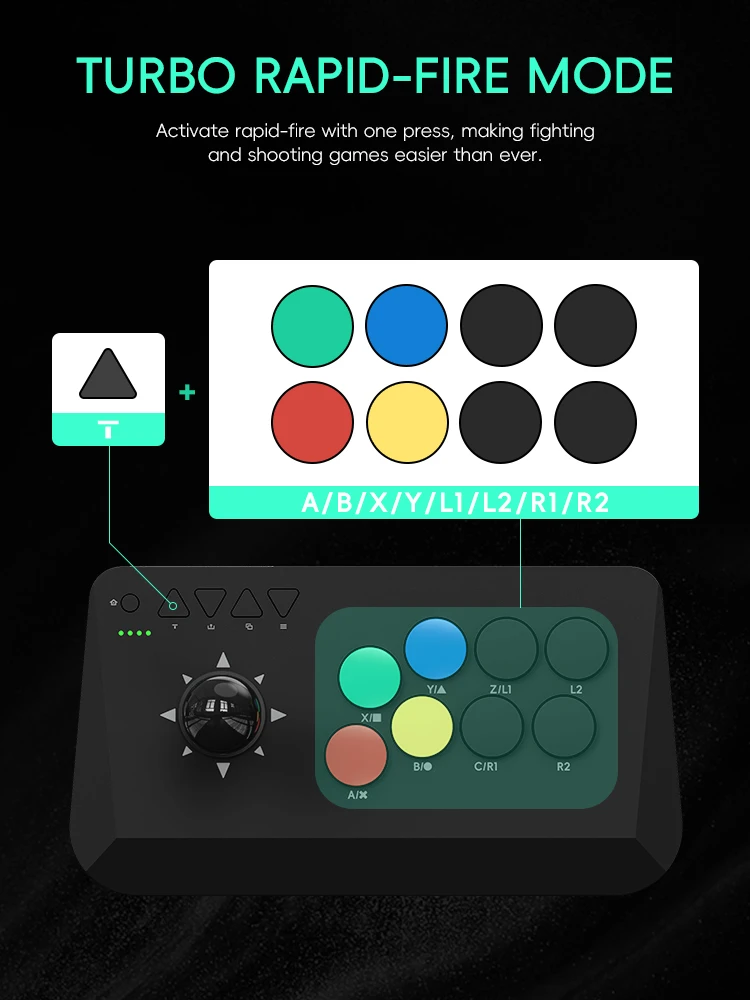
Turbo Rapid-Fire Mode
Activate rapid-fire with one press, making fighting and shooting games easier than ever.
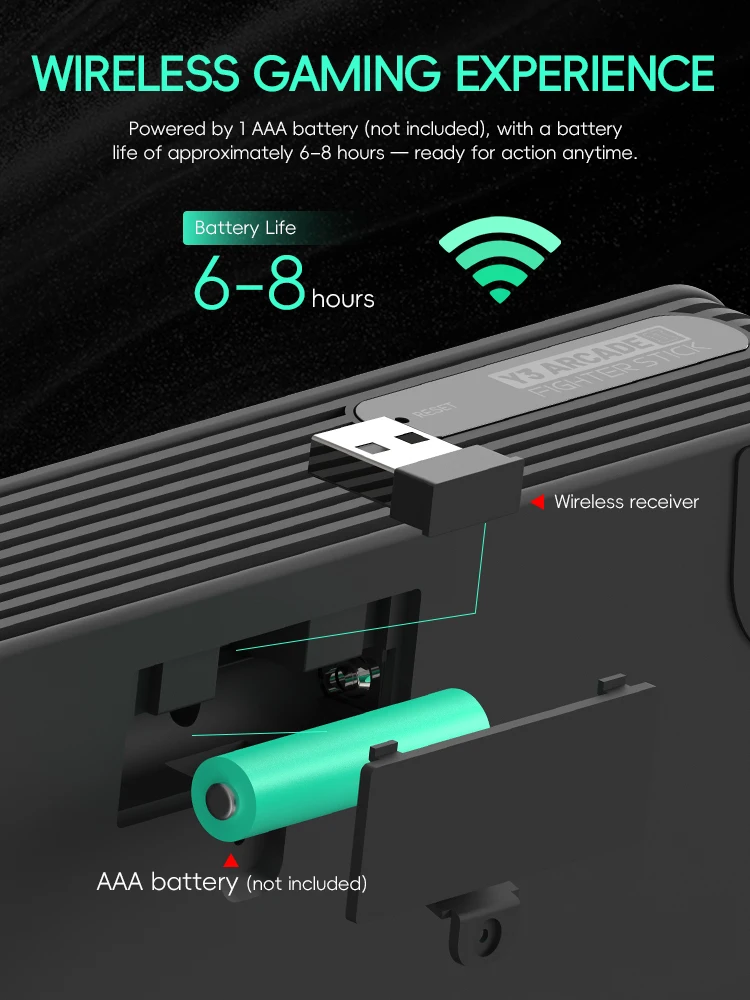
Wireless Gaming Experience
Powered by 1 AAA battery (not included), with a battery life of approximately 6–8 hours — ready for action anytime.
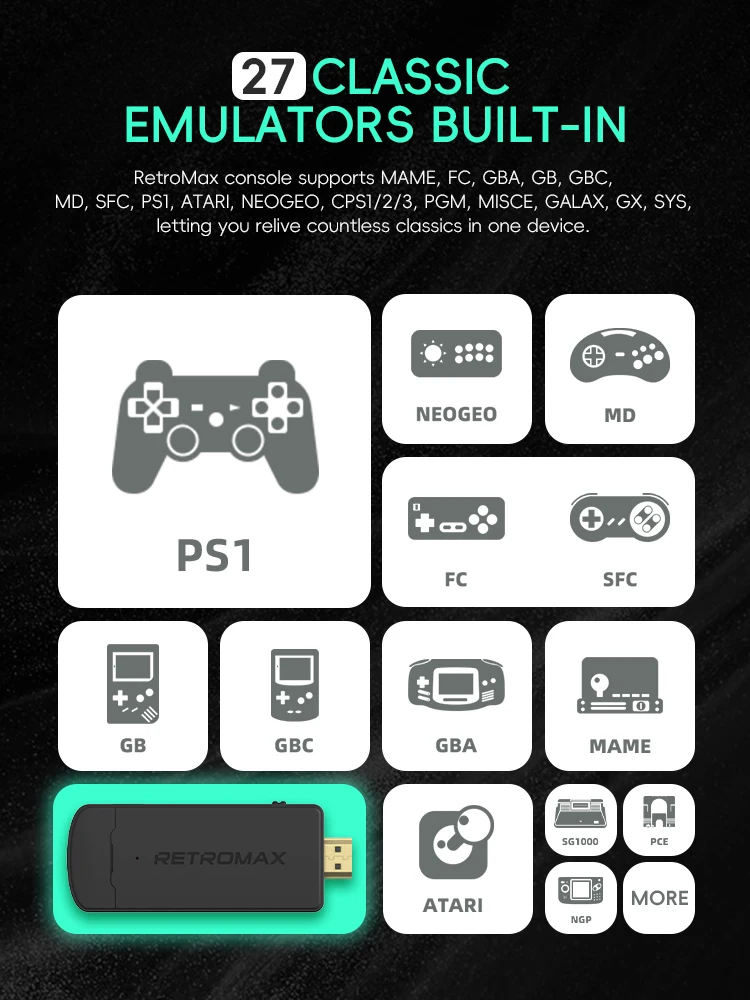
27 Classic Emulators Built-In
RetroMax console supports MAME, FC, GBA, GB, GBC, MD, SFC, PS1, ATARI, NEOGEO, CPS1/2/3, PGM, MISCE, GALAX, GX, SYS, letting you relive countless classics in one device.
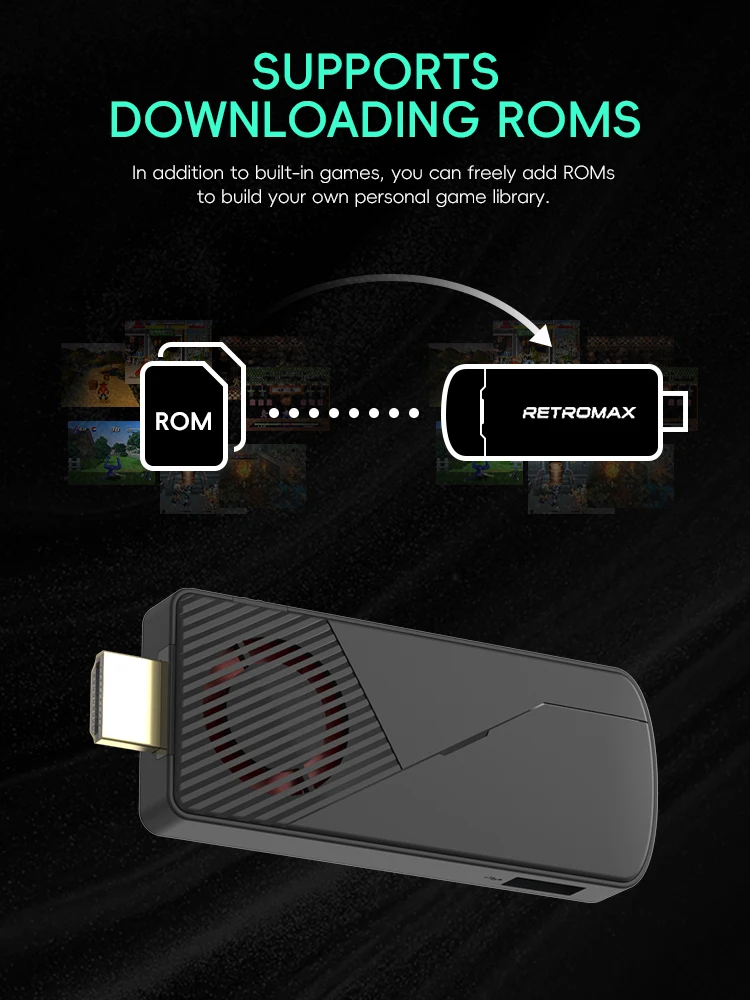
Supports Downloading ROMs
In addition to built-in games, you can freely add ROMs to build your own personal game library.
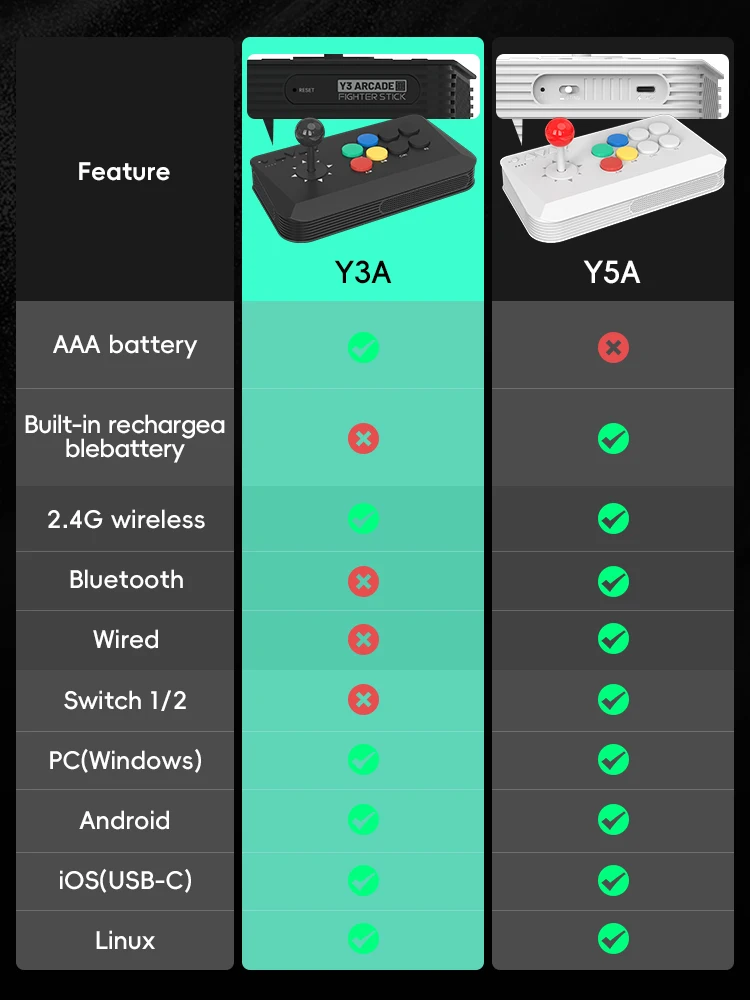
What are the differences between Y3A MAX and Y5A?
Note:You can use the controllers on a computer, but the console requires a device with a display connection interface to connect to. You cannot use the console directly on a laptop to play games; however, you can use the controllers as gamepads on a laptop.


